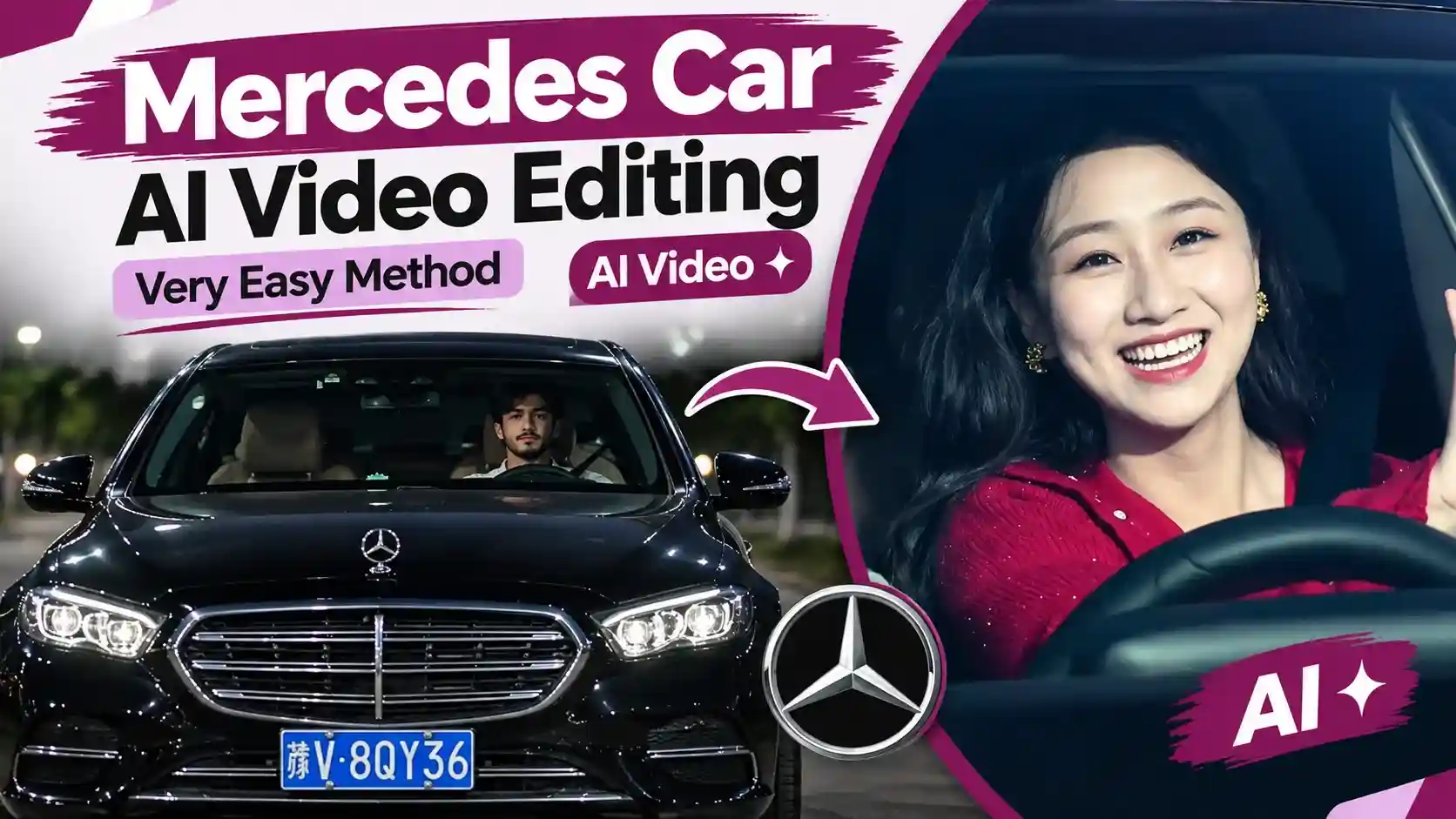
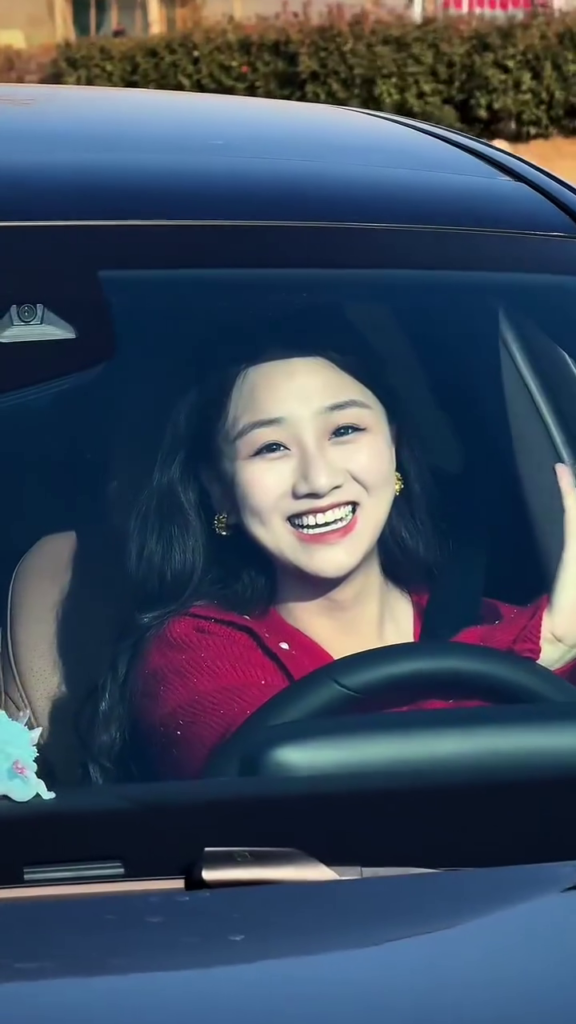
Mercedes Car AI Video Editing – Very Easy Method | AI Video – So, friends, by now you must have seen the video of the Mercedes car, which is currently going viral on social media. And it has become a trend as soon as you see it. Many people are crazy about making such videos. But not everyone has their own Mercedes. But this video has been generated by AI. In which people put their faces.
In fact, it was a video of a girl sitting inside this car. She is sitting inside this car. If you have not made such a video yet, then in this article I will tell you in full detail how you can create such a video. That too with a completely free method. I will teach you how to create such a video through two methods. One will be paid, and one will be free. But remember that I am not promoting any website here. It is your choice which way you want to make a video. For this, you have to read the article carefully so that you understand each and every point.
About Mercedes Car AI Video Editing
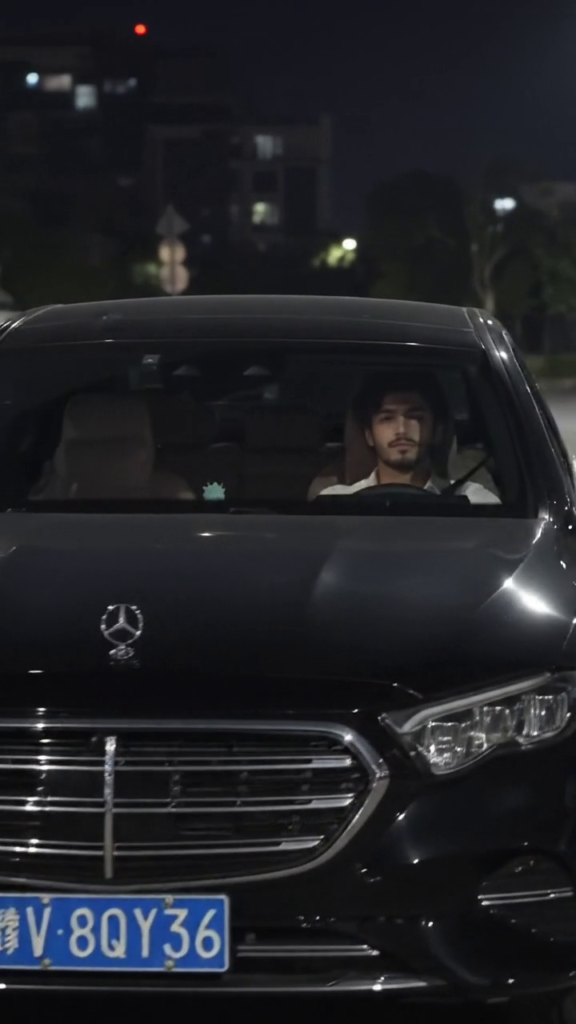
If you have seen this video, you must have noticed that this video has been made as if a professional photographer has shot this video. In the video, a black Mercedes is driving in front. Then the camera focuses directly on the face of the man who is driving the Mercedes. Then the car moves forward, which gives a very good vibe to the video. I personally like that it a lot. That’s why I am sharing the method of making it here.
I have also made such a video on my Instagram account and posted it. You can watch it there.
Why should we make the video featuring the Mercedes car?
They are very easy to make. You just have to use a prompt. One of your photos and I will also give you a reference video here. You can create this video using these three things. And I myself have seen this video on Instagram. Which has 20 to 25 million views easily. Because whatever new trend comes on Instagram, if someone makes a video on this trend. Then it pushes it up. If you also make such a video quickly and put it on your page, then you also have a 72 to 80 percent chance that you can also easily make this video viral.
How to create a Mercedes Car AI Video Using Google Flow
So in the first method we will learn how we can create such a video using Google Flow.
- So for this you have to download the reference video that I have given here.
- Second, you have to copy the prompt that I have given below.
- I have provided a direct link to the Google Flow website below, though you can also simply search for it on Google. If you are using the site for the first time, sign up using your Gmail account.
- The Google Flow website will open.
- Click on “New Project.” Once you have done that, upload the reference video you downloaded, along with the image you wish to include in the video.
- Then, paste the prompt below.
- Finally, submit it; the tool will generate the video for you within a minute, and you can download it.
How To Create a Relaxing AI Anime Video (Using Google Flow)
Full AI Prompt
How to create a Mercedes Car AI Video Using Higgs field AI
In the first method, I showed you how to create your video using Google Flow; now, I will teach you how to create a video using Higgsfield AI. For this, you need to have a subscription to Higgsfield AI.
- As soon as you open this website, you will see genjutsu written on the top side. You have to click on it.
- A page will open on the right side. You have to click on Object swap and upload your video.
- In the last second box, you have to upload your photo. You have to click on the prompt button below. You have to paste your prompt. You have to send it.
- Now this will take a while, within about 40 seconds, this video will be ready and given to you.
Rafrence Video
Conclusion
I hope this article has helped you learn how to create a Mercedes car AI video. I have outlined very simple steps here. If you still encounter any issues, please ask in the comments section below, and I will help you. If you have any questions regarding the video creation process, feel free to post them as well, and I will add the answers at the end of this article.
Alan Edit video editing aur mobile editing tutorials par focus karta hai. CapCut, VN, AI video image aur baaki editing apps ke templates, presets, aur step-by-step guides yahan share kiye jate hain. Maqsad hai editing ko easy aur beginner-friendly banana.