
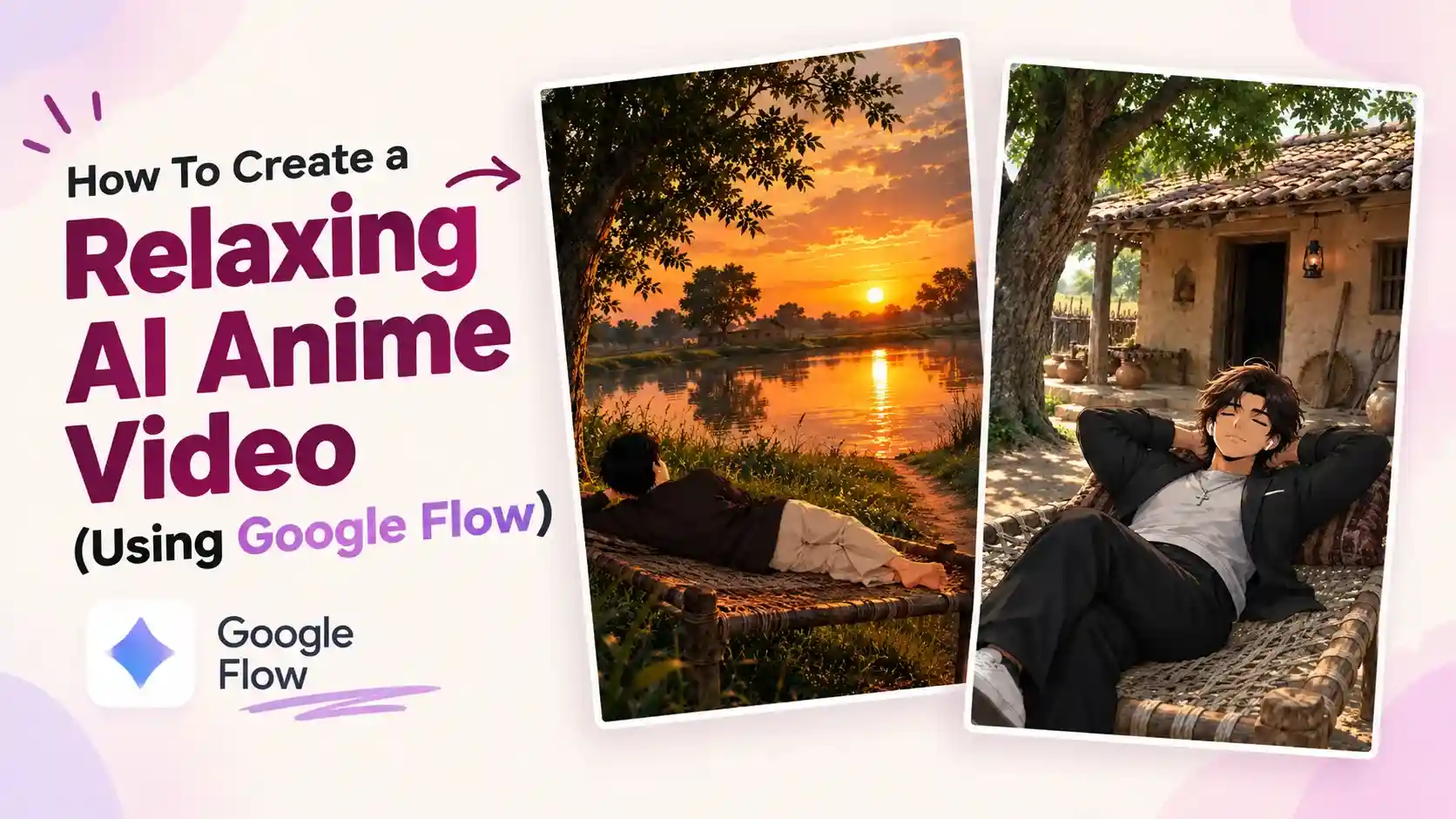
How to Create a Relaxing AI Anime Video (Using Google Flow) – So, friends, yesterday when I was watching reels on Instagram, I started seeing one such relaxing video after another. It looked quite cool to watch, and while watching it, I also felt that I should relax like this. And along with that, I also thought, why not tell people how you can create such relaxing videos?
Also, when I looked at the Instagram accounts where these videos were uploaded, their follower counts were quite strong. One account had reached one million. That too in some videos, and on another account I saw more than 40 thousand followers, with almost 15 to 16 videos uploaded.
If you also want to make such a video, then I have explained it in a simple way in this article; you just have to read it carefully. And follow all the steps, with which you can also easily grow your Instagram account by making such videos.
How to Write Multiple Prompts for a Relaxing AI Anime Photo (Using ChatGPT)
For this, you have to take a screenshot of any image from which you want to create a video.
And you have to open ChatGPT. You will find it on the Play Store. Now click on the plus icon and give it a screenshot of the image. Below, I will also give a link to a file in which you will find images of multiple relaxing videos. You do not have to copy this; you just have to use it to write prompts in ChatGPT.
File link:
You have to paste this Prompt below.
Prompts:
Mujhe iss style ki thoda different locations se photos banane ka 10
prompts do subjects ka angle change kr sakte ho pr subject ki style jaise hai
waise hi rakhna hai
Ratio – 9:16
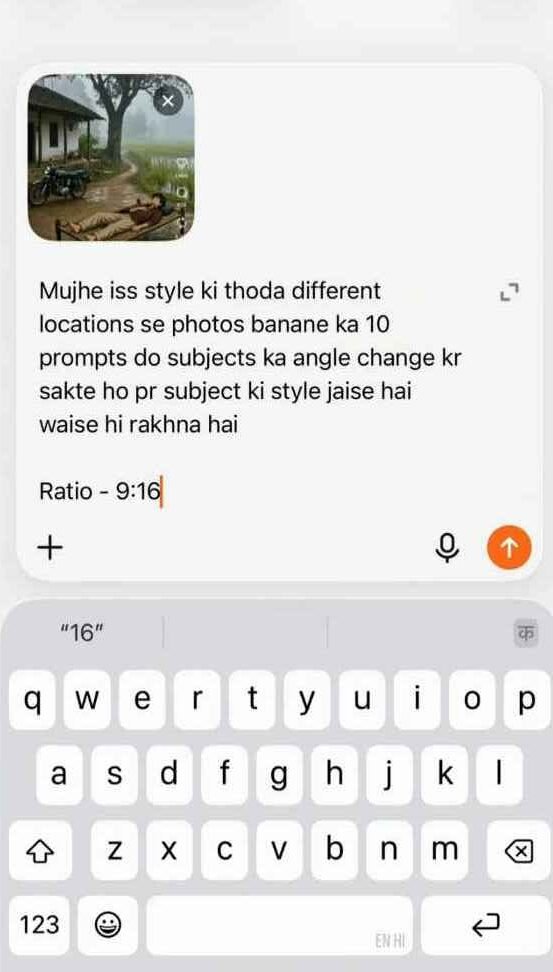
After that, it will write multiple Prompts for you. I have mentioned only 10 in this promo; you can also write multiple here or use any other screenshot and generate 10 prompts from it, which will give you good results.
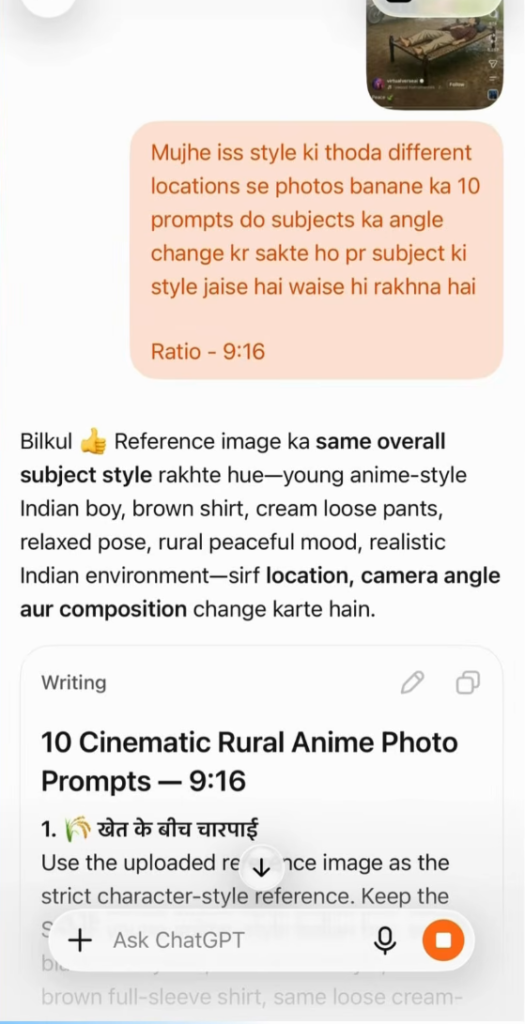
How to Create Relaxing AI Anime Photos Using (ChatGPT or Google Gemini)
Once you have written the prompt from Chat GPT, then generating the image is not a difficult task. You have to read these prompts once. Then copy the one you like. And if you want, paste it in Chat GPT itself. If not here, Google Gemini also generates good quality images, you can generate it from that too.
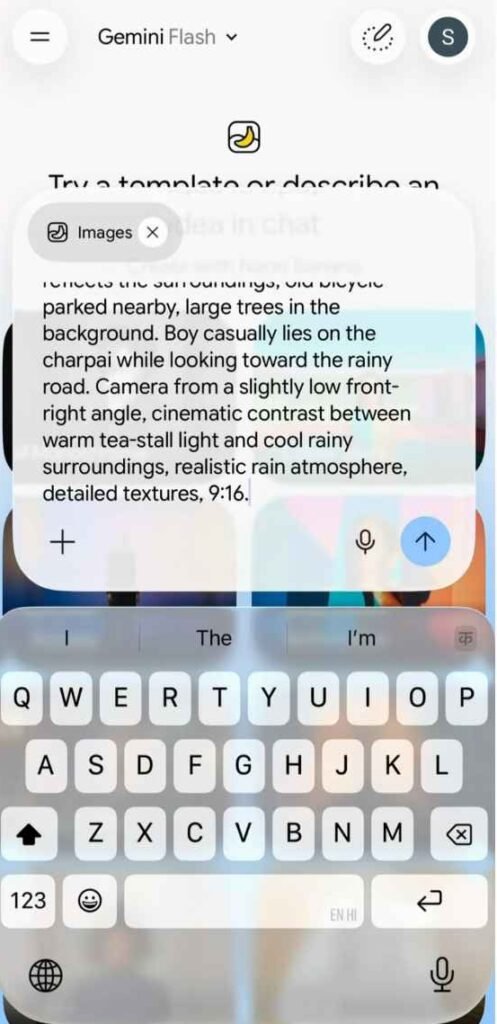
I am going to use Google Gemini here. You have to open Google Gemini and paste the prompt, if you want a little change according to your own calculation, then change it here, otherwise the prompt will be fine. Send it, it will take a while and we will generate the image and give it to you. Now download it.
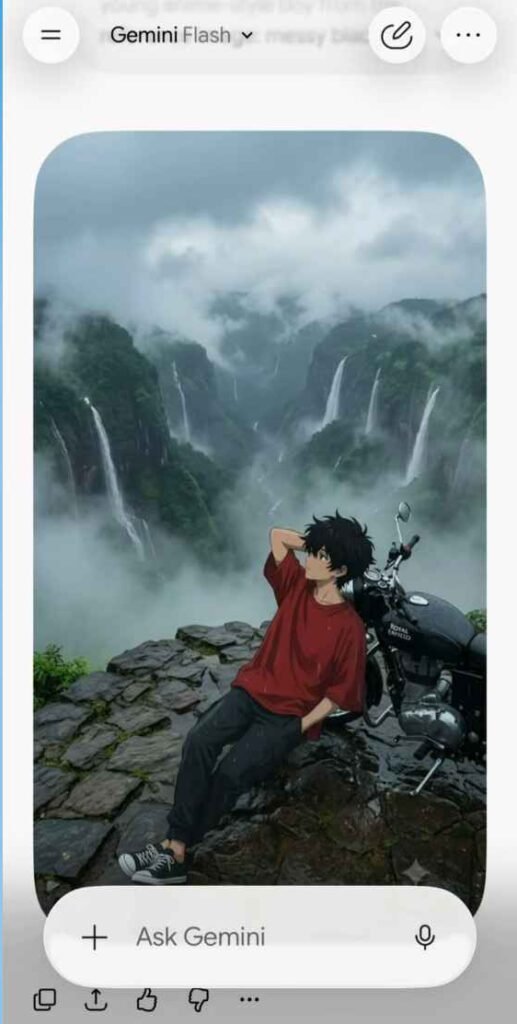
How To Create a Relaxing AI Anime Video (Using Google Flow)
Now we are going to use Google Flow AI to create this anime video, which is absolutely free, you have to download it from the Play Store.
After downloading, when you open it for the first time, it will ask you to sign in through your Gmail account, sign in and set the settings as per the picture I have given below.
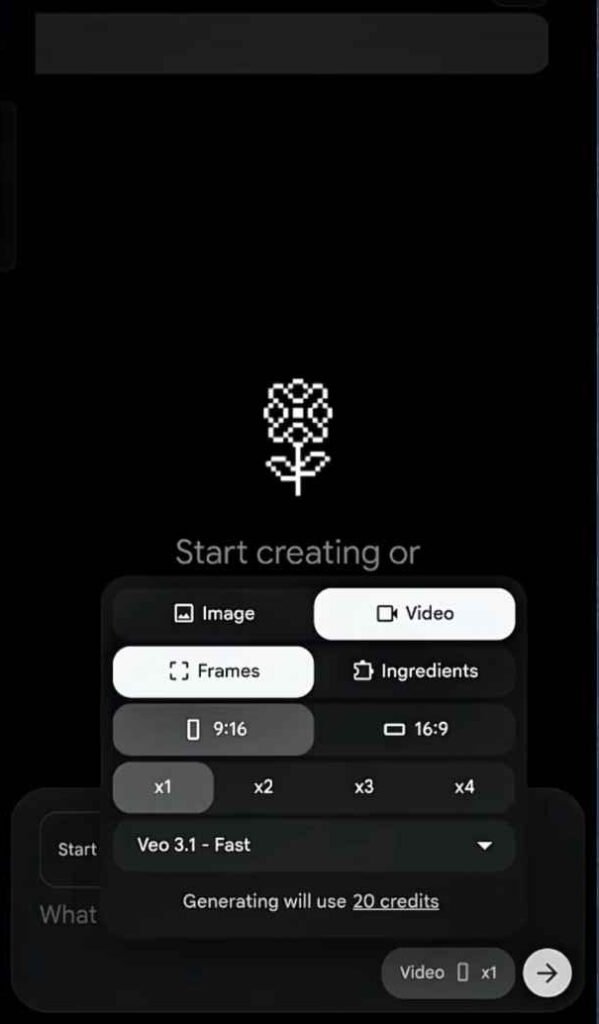
After that, paste the downloaded image here. Now copy the prompt that I have given below or read it once. You can edit the prompt according to whatever you want to change in it, such as what is happening in the background, such as rain and apples or a train etc. running, such as wind blowing or anything like that.
The best way to get prompt written off from ChatGPT
Explain to the chat GPT that you want to move in your photo. I cannot give you every kind of prompt by writing. If you explain to the chat GPT and tell him that I want to create such a video from Google Flow. Then he will write the prompt for you. You copy it and paste it in Google Flow and send it to Google Flow. It will take a while, about two minutes, and he will create this video for you.
You can download it and use it on any social media account.
Video prompt
“Animate everything in this photo and add a relaxing tone & animate the video with one camera angle”
How to Add Music Relaxing AI Anime Video
When you edit a video, Google Flow will automatically add music to the background of the video. If you don’t like it, open the video in any editing app and turn off the background music and save it to the gallery.
Now whenever you upload a video on social media like Instagram, YouTube, TikTok or Facebook, you have to search for Peaceful Music. Every social media provides its own music. You can edit the music you like from there and upload it in the background of the video.
Music Name: Peaceful, Relaxing Music
Conclusion
So friends, in today’s article, I have given you a complete step-by-step guide on how to create a relaxing anime AI video. First of all, I have told you how to write its prompt. Then, how to generate an image using these prompts and finally, how to create this video. If you have any problem in creating it, then you can ask me in the comments below, I will definitely answer you. For such editing, you can visit my website. If you have any questions regarding this article, then let me know and I will answer them.
Alan Edit video editing aur mobile editing tutorials par focus karta hai. CapCut, VN, AI video image aur baaki editing apps ke templates, presets, aur step-by-step guides yahan share kiye jate hain. Maqsad hai editing ko easy aur beginner-friendly banana.

1 thought on “How To Create a Relaxing AI Anime Video (Using Google Flow) ”