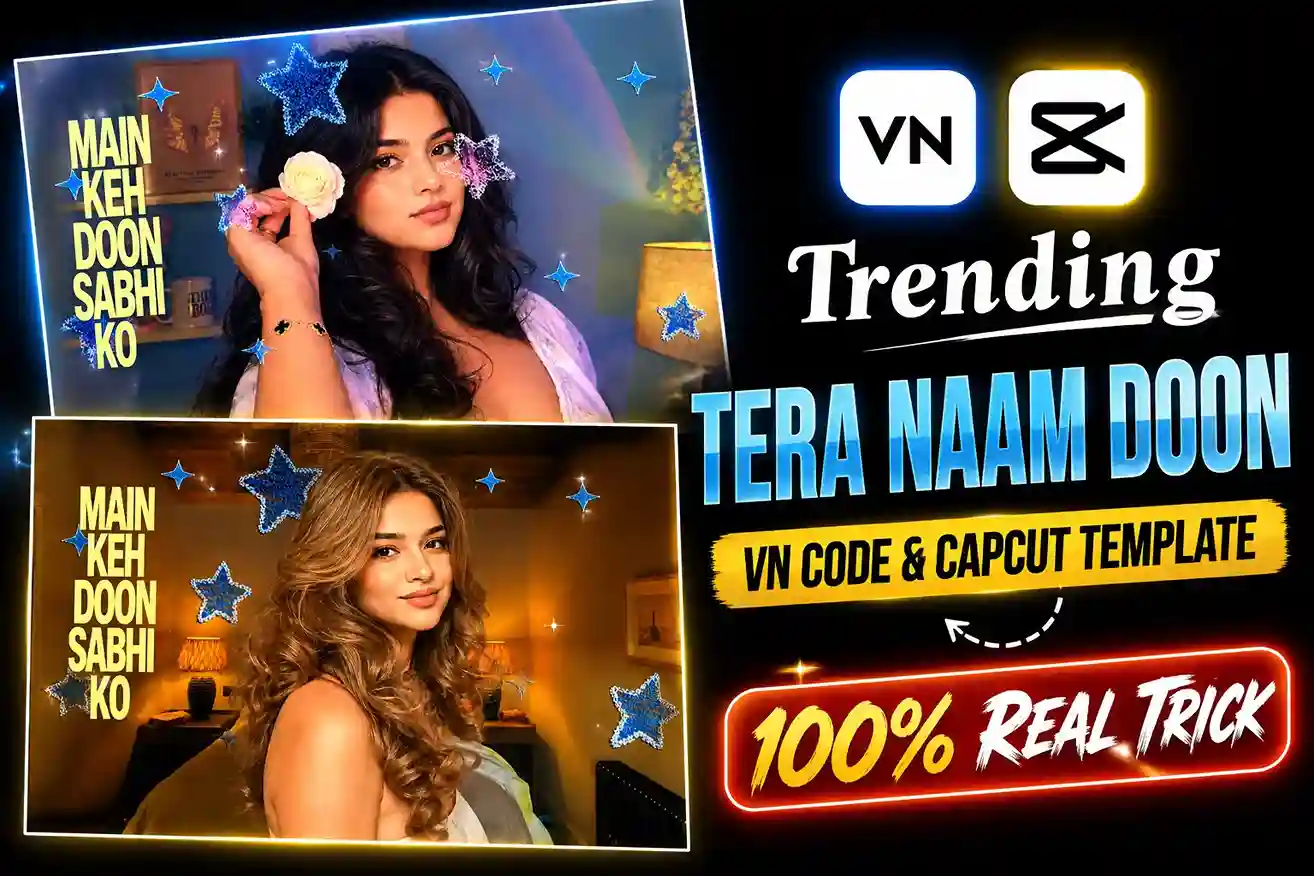
Tera Naam Doon Vn Code & CapCut Template (100% Working) — So friends, today a new trend has come on social media that videos are being made rapidly on the song “Tere Naam Don”. And at the same time, most people are editing their videos and putting them on this song. You must have seen such a video. If you also want to make such an edit. In which the lyrics appear in the form of a pop-up, then in this article I am going to give you a VN code and capcut template. With the help of which you can easily do such editing in your video. If you do not know about it at all. Then I am going to tell you in a very easy way. If you want to learn this editing. Then you should read this article completely.
About This Tera Naam Doon Vn Code And CapCut Template
If you are going to edit your video using the template. Then you have to know a little about it. What are you going to get in this template. Because this template is trending on the base of the song. So in this template or VN code, the song Tera Naam Don has been used in the background.
Along with this, there are lyrics in English on its left side. Which comes in the form of a pop-up. And along with this, there is a heart on your video which is blue in color from the inside and golden in color from the side. They are attached to small multiple videos. And along with this, a filter has also been applied to it which makes the video look even more beautiful. When you open the template, you will see in front of you which effects have been applied to it.
Best Clips For Tera Naam Doon Template
In this Tera Naam Doon template, you have to use a video. This will give you the best result. But you can also use photos with it. I will give you two CapCut templates and a VN code here. In the VN code, you will be able to edit only horizontal videos or insert horizontal photos. If you use CapCut, then you will be able to edit both horizontal and vertical video clips in it. By editing such videos, you can also use them on YouTube and Instagram.
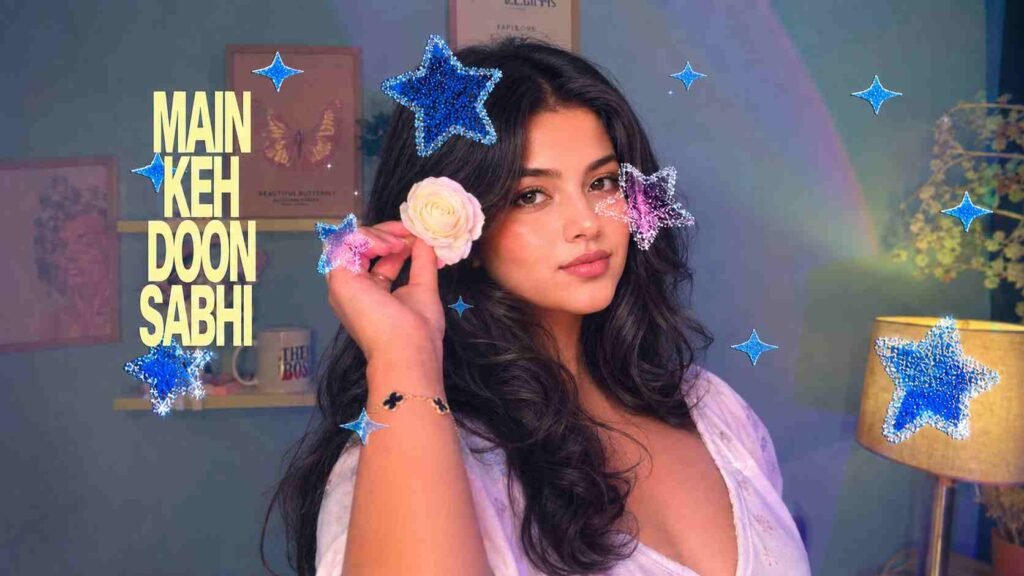

How To Use Tera Naam Doon Vn Code
If you also want to edit your video in the app, then first check on your mobile whether you have installed the VN app or not. If it is, then it is fine. If not, then you can easily download the VN app from the Play Store or App Store. This app is not paid and allows you to edit videos for absolutely free.
- Download the VN code that I have given in this article or take a screenshot of it and save it in the gallery.
- Now open the VN app. A scanner option will be visible on the top side of the app. Click on it. The camera will open in front of you. But you have to select the gallery option and scan the QR code that you have saved in the gallery.
- The template will open in front of you. Which will be giving you a live preview. A download button will be visible on the bottom side. Download it.
- When it is 100% complete, click on it.
- Now you can edit your video clip or photo. It will edit your video and give it to you. If you like it, keep it. Otherwise, here you can edit more as you wish.
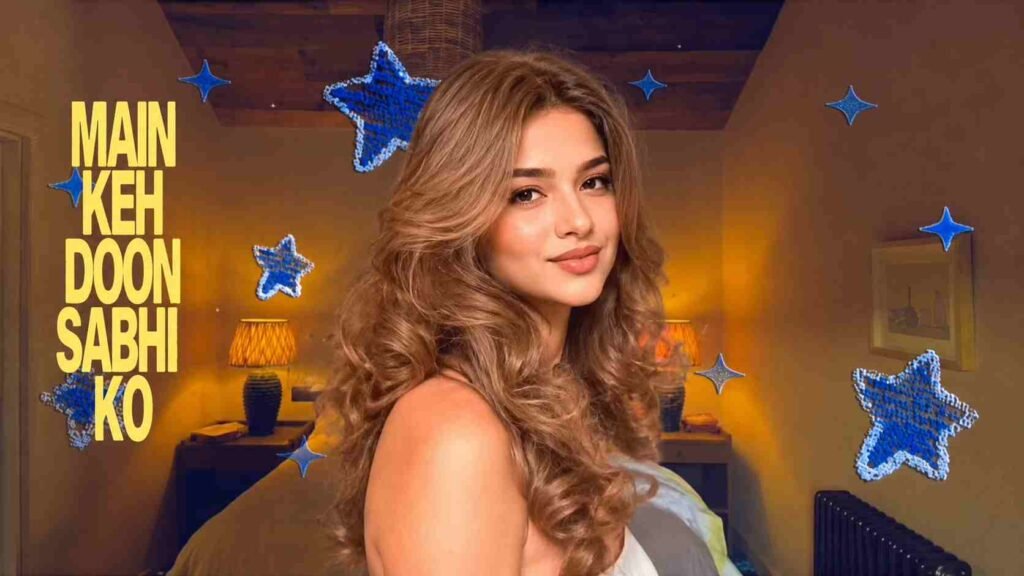

How To Use Tera Naam Doon CapCut Template
If you don’t want to use the VN template, I have a capcut already available, so you can edit it from there too, very easily.
- I have shown you a screenshot of the template and below it I have also given a link to the CapCut template. If you want to edit it in CapCut, click on this link.
- This template will open in front of you inside CapCut. Use Template will be written on the bottom side. Click on it. No download option will appear here.
- Now here you can edit the video clip as you wish. When the clip is edited. Then send it.
- Now it will start in front of you in the form of a percentage edge. When it is 100 percent complete, the edited video will appear in front of you, you can watch it.
- If you want to add more effects or transitions to it, you can apply them here and then export it.
Tips For Best Video Editing
- When you start shooting videos, you have to keep in mind some things so that your shorts look good and the video is also edited well.
- You have to record your video in natural light, if it is full body, then it is okay, these templates will work well on off-body too.
- If the background behind you is not good, then you can record it in a room where your face and the front side that is coming into the camera have good light so that your clips are clearly visible. Do not use any blurry clips. Due to this, your video quality will not be good.
- The most important thing is that whenever you have to use these templates, you have to edit good quality clips and not use low quality clips because of low MB.
- When you have finished the video, export it in HD. The best setting is 1080p at 60 fps.
Conclusion
In this article, I have shown you how to edit your video using your name, a CapCut template, and VN code. I hope you have fully understood. If you face any problems with anything, then you can ask me in the comments below. And I keep bringing new and new editing methods here every day. You can visit my website to see them.
Alan Edit video editing aur mobile editing tutorials par focus karta hai. CapCut, VN, AI video image aur baaki editing apps ke templates, presets, aur step-by-step guides yahan share kiye jate hain. Maqsad hai editing ko easy aur beginner-friendly banana.