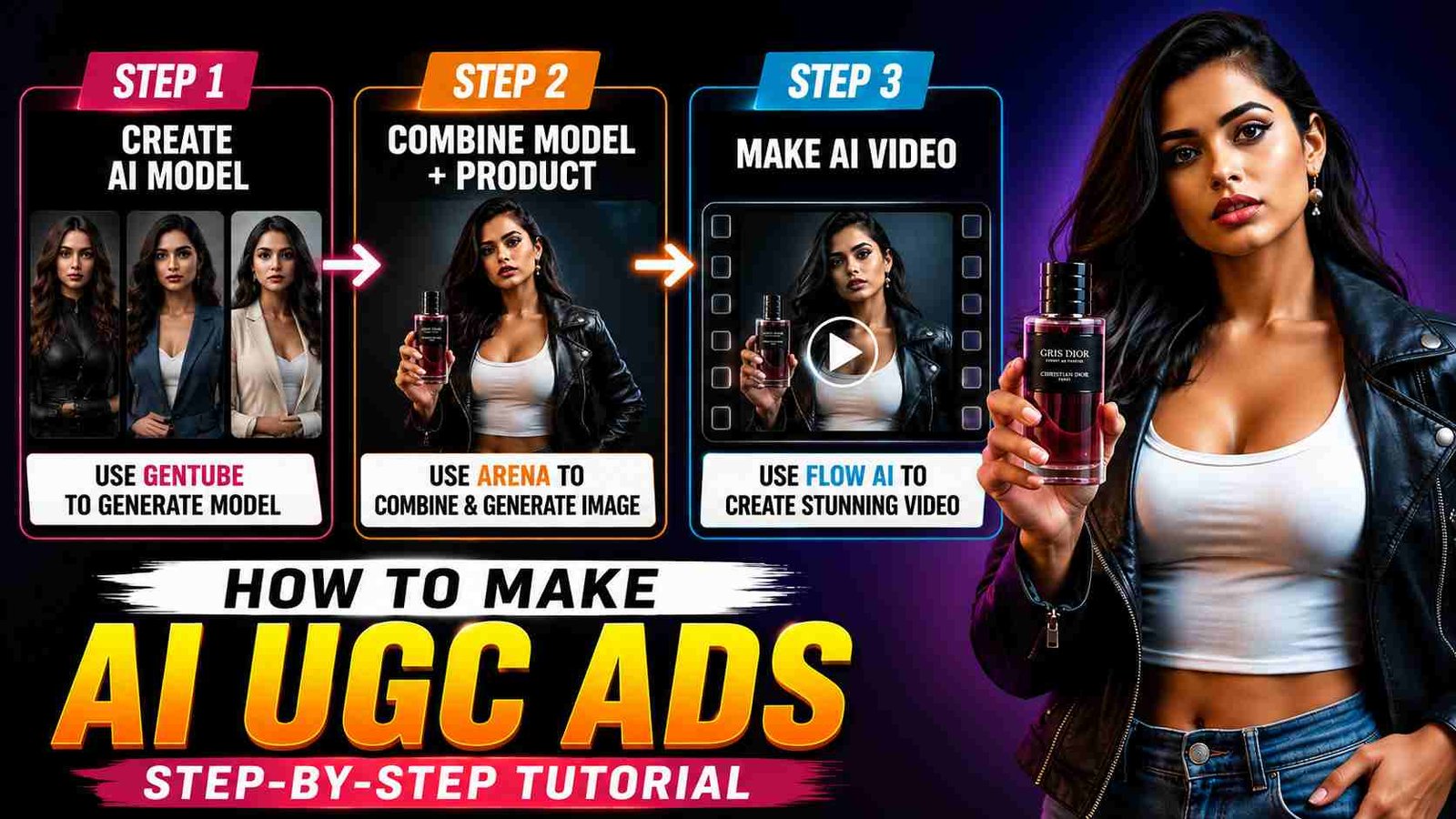
How to Make AI UGC Ads: You can also create such AI add-ons for your product. Basically, in this, the AI model is holding the product in its hand and reviewing it, which looks very crazy to see. You can also create it with just a few promos. You have to follow three simple steps. In which the first thing is to take a photo of your product. You have to select your AI model, if you want, you can also get it made by AI. And you have to combine these two and make a video of them. If you also read this article completely, then you will also be able to create such AI add-ons. In this, I have given a complete step-by-step tutorial, so let’s start without wasting time.
How to Create Realistic AI Model for UGC Ads
To create a UGC ad, you have to create a picture of the AI model or if you want, you can use your own photo instead. To create it, I am going to give a link to a drive below in which multiple prompts are written. Separate for male and separate for female characters.
- So click on this drive link. https://drive.google.com/file/d/1mvFV_uEm1kgrxVIQRIAdRv6eN2dqiNWe/view
- Two pages will open in front of you, copy whatever promo you like.
- Then open Google and search in Google for gentube, the website will appear in front of you.
- You click on the first website which is shown in the screenshot.
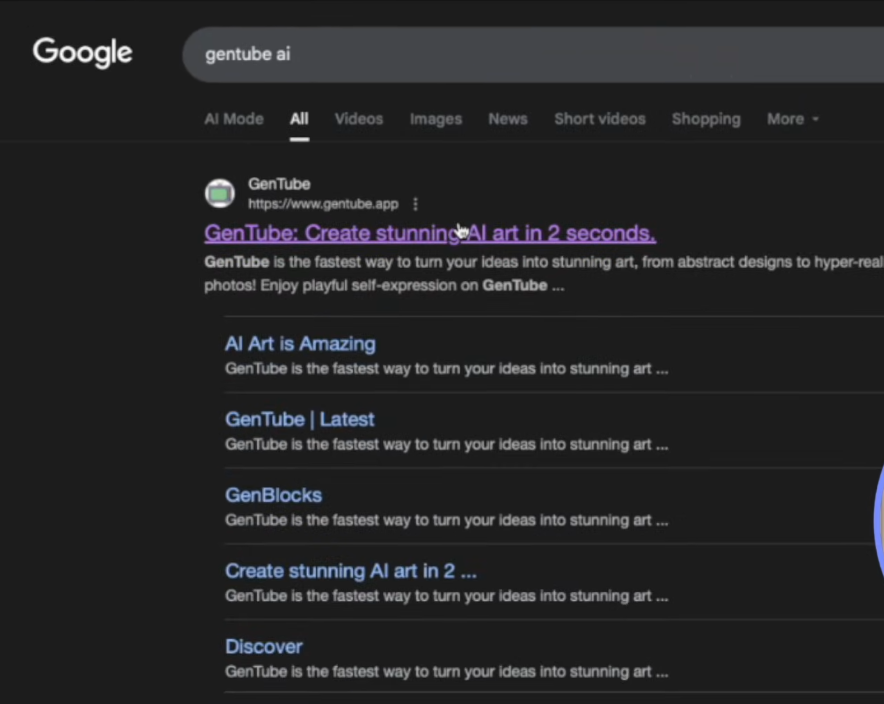
- With this you can create many images of your choice, that too for free.
- Now log in to it through Gmail and paste the prompt I have given here. And send it.
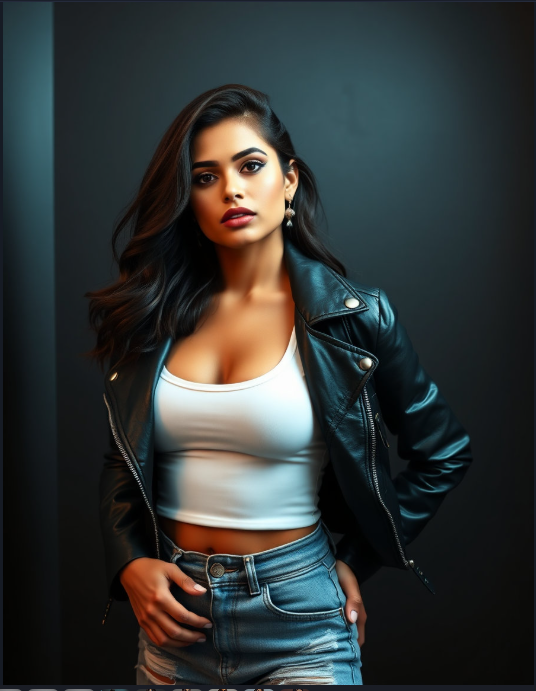
- It will create an AI character for you in a few seconds, if you like the character, download it.
- If it is not here, change the prompt again and then send it, it will change it and give you the character.
- If you like the character image, there will be a download icon at the bottom, click on it and download the character image. Now it will be saved in your gallery.
How To Combine Character And Product
This is going to be step two in which we are going to combine the image of our model and our product. For this, we will use a new website. This is also completely free.
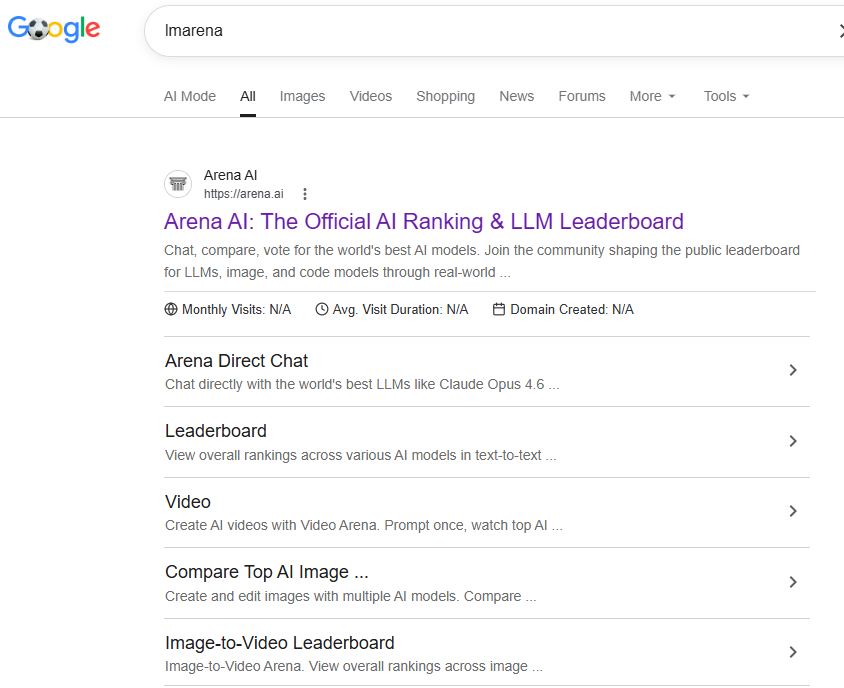
- So, step one is to open Google and search for arena on Google.
- First, open the website that I have seen in the screenshot.
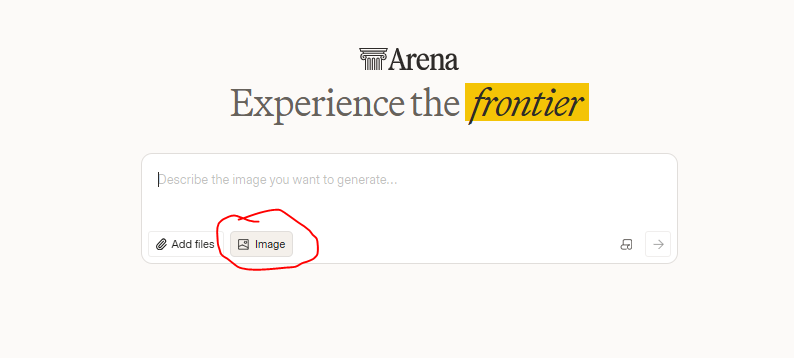
- You have to type on the plus icon in front of the website.
- You have to upload the image of your character and product, remember that the image should not be of low quality or have any blurry effect, it should be completely clear, which will give you very good results.
- Now, you have to paste this prompt below, which I have given in a small dot.
- Select Generate Image on the bottom side. Now send it.
- This will prepare you images in a matter of seconds in which the product and model will be combined.
- If you like this result, then you can download it, if not, then you can edit it again and send it.
prompt: “The Model is holding the perfume bottle in her hand and showcasing it like a mode”
prompt Tips”
You can edit this prompt as you wish. The model I have is a girl and she has to wear a perfume bottle, which is my product. You can write your own product instead or the image of the person you want to send. If your model is male or female, write that too instead of the model.
How to Make AI UGC Ads Video
This is going to be our last step. In this, we have to create a video with the help of AI from whatever image we have combined. For this, we will need an AI tool, which is Google’s own, Google Flow AI. You can also open their website or you will also get the app on the Play Store. You can also install it on your mobile. Whenever you open the website or app, it will ask you to sign in. You sign in through Gmail and then follow these steps.
- Step one is that you have to give it an image, there will be a plus icon below, just like if you have uploaded an image on another website, here you have to upload the combined image.
- On the other side, I have added a rule in the screenshot, you have to select it, you can select the ratio in it.
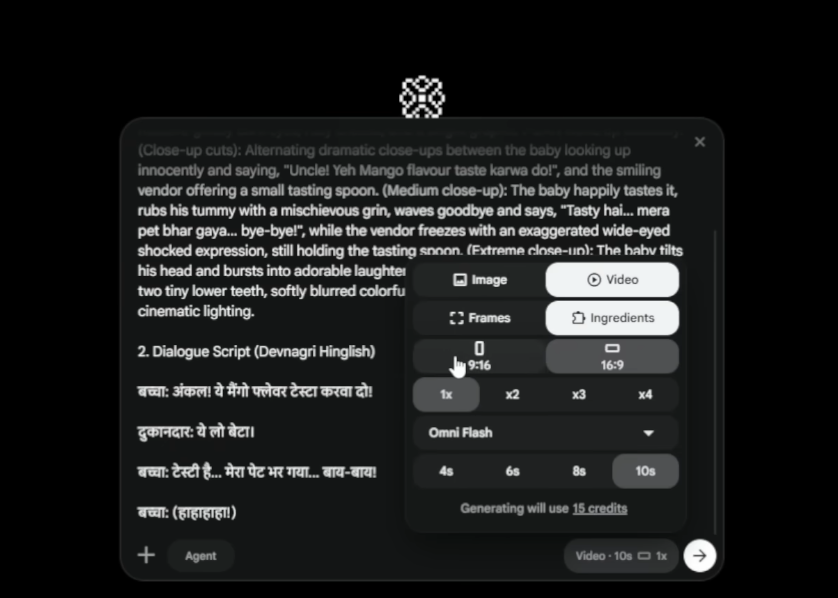
- 1 x 2 x 4 x means how many videos you want to make, my suggestion is to select 1x.
- If there is any problem in the video or the video is not ready according to your wish, then you can create the video again because you get some credits in it, otherwise you will have to wait for 24 hours.
- After that, you have to select the seconds below, you select 6 or 8 seconds in it. And below, explain whatever you want to call from this model or how you want to get your product reviewed.
- I have given a small prompt below from which you can get ideas because your product may be different so I cannot write a prompt for every product.
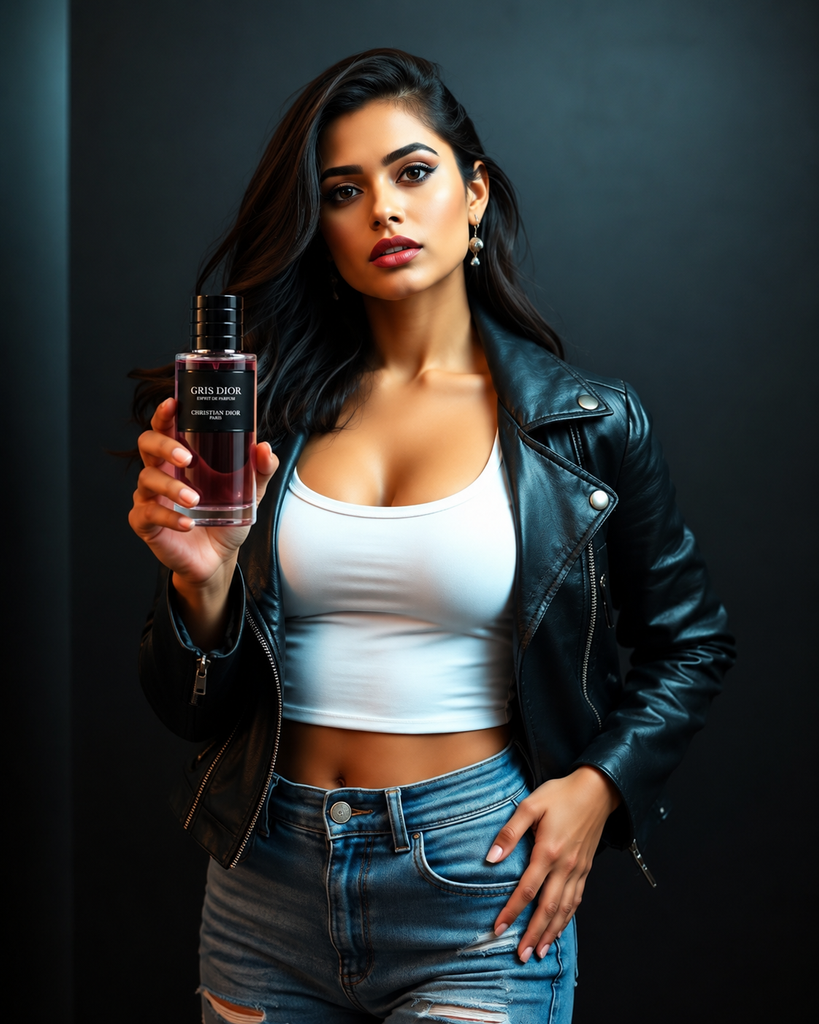
“The girl is showcasing the Perfume bottle like a model”
Write Video prompt Tips
If you are not able to write a prompt, then open Simple Chat GPT or Google Gemini and what you want your model to do, such as how to show the perfume, how to speak or how to explain, tell Simple Chat GPT in your own language or write it and tell it that I have to give this prompt to Google Flow AI.
I want to create my ad, I have created my combine image or show that image to Chat GPT or Google Gemini, it will write you a prompt.
It is necessary to tell it that there is no minus changing or no minus leading in it and if you want it to write a dialogue that the model speaks, it will write it for you.
If not, my suggestion is this: tell your dialogue chat GPT to write this in the promo, it will write a nice prompt for you, copy it and give it to Google Flow AI, then your video will be ready.
Conclusion
So today we learned how to create UGC ads in three steps, that too in a very easy way. If you also want to create it easily, then follow these complete steps. You will not face any problem. If you have any problem, then you can ask me in the comments below. I will definitely answer it. To know about creating such videos, you can visit my website, Alan Edit.
Alan Edit video editing aur mobile editing tutorials par focus karta hai. CapCut, VN, AI video image aur baaki editing apps ke templates, presets, aur step-by-step guides yahan share kiye jate hain. Maqsad hai editing ko easy aur beginner-friendly banana.