How to Create Viral Cartoon Videos Complete Guide: Dosto aap ko pata hoga main ne pichlay article mein Motu Patlu ki AI ke zariye video banane ka mukammal tareeqa bataya tha. jis mein woh kisi bhi gaon ya shehar mein jate hain aur us ka naam lete hain ya us gaon ya shehar ke station ka board peechay laga hota hai aur us par us ka naam likha hota hai jo Motu Patlu bolte hain aur us shehar ki tareef karte hain. Agar aap ne bhi abhi tak aisi AI video nahin banai to aap pichlay article ko dekh sakte hain.
lekin is ke ilawa aaj kal social media par ek aur naya trend shuru ho gaya hai. Jis mein Motu Patlu bande ka naam le kar kehte hain hum is ke gaon aa gaye hain ab hum ne is se milne jana hai. To aisi video bhi banana bohat hi aasaan hai. Is ke liye main aap ko do prompt dunga jis mein pehli ke zariye aap ne photo banwani hai aur doosri se video. Is ke liye aap ko bas ek ChatGPT ki zarurat paray gi photo banane ke liye aur doosre par aap ko Flow AI jo ke Google ki hai. Aap us se aasani se video bana sakte hain. To banane ke liye main is article mein step by step guide karunga. Aap last tak zaroor dekhein.
How To Create Motu Patlu AI Name Image
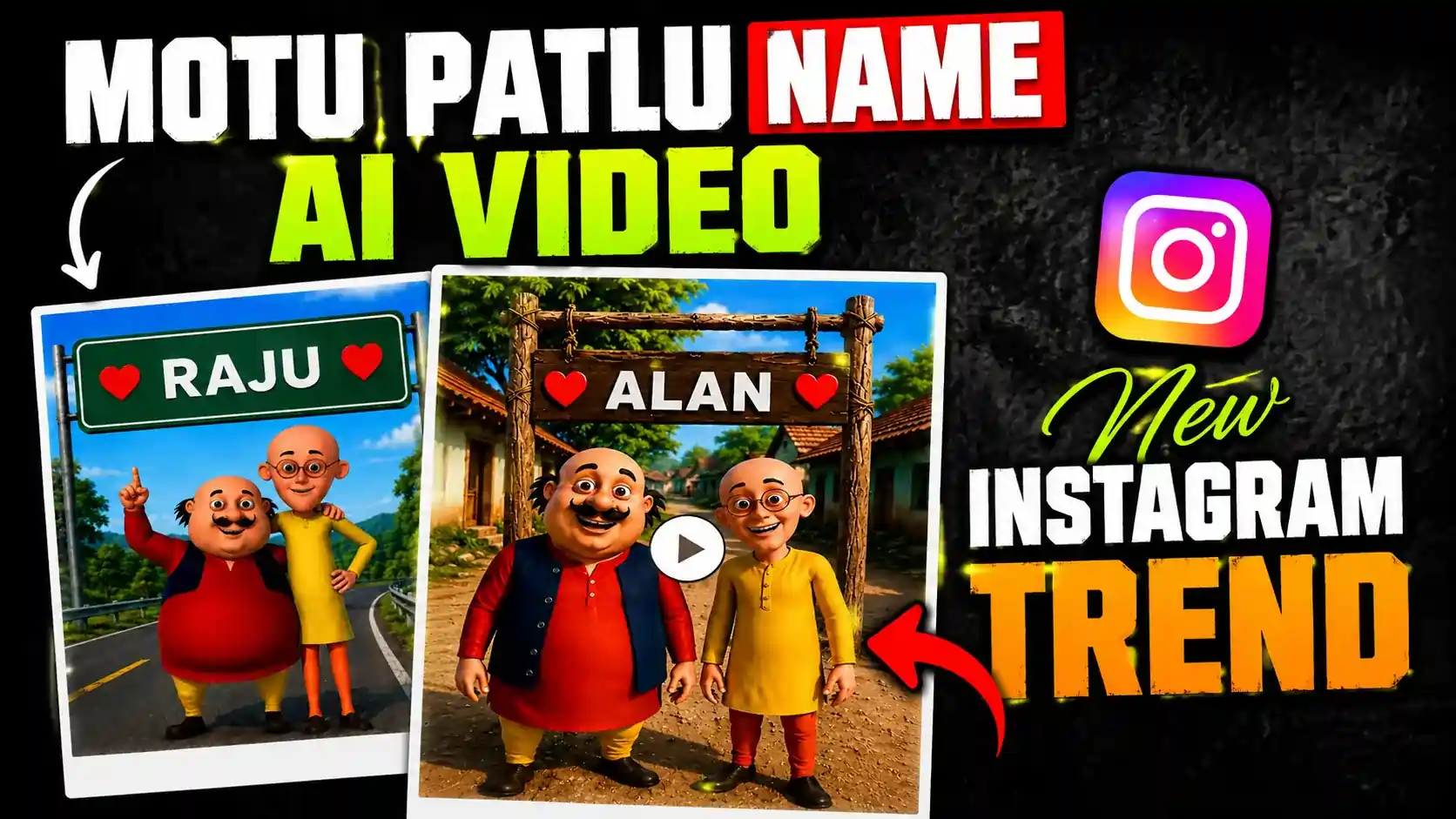
Motu Patlu ki naam wali AI video banane se pehle humein un ki ek tasveer banani hogi jis ke back side par aap jo bhi naam bulwana chahein woh likhna hoga aur phir AI video ke zariye usay bulwana hoga. Is ke liye tasveer banane ke liye bohat se AI tool hain lekin aaj hum ChatGPT ka use karne wale hain kyun ke yeh 4K tak aur achi resolution mein tasveer bana kar deta hai.
Is ke liye main ne aap ko ek tasveer di hai neeche pehle use tap kar ke download kar lein. Us ke saath hi ek Prompt bhi di hai, aap us Prompt ko copy kar lein.
ChatGPT ko open kar lein. Aap is ko Google Chrome mein bhi open kar sakte hain ya phir aap mobile mein is ka app download kar sakte hain.
ChatGPT ko Gmail ke zariye sign in kar lena hai. Ab neeche prompt jo article se copy ki hai woh paste karni hai aur us mein apna naam add kar lena hai.
Plus wale icon par click kar ke jo tasveer bhi download ki thi woh yahan par upload karni hai aur ChatGPT ko send kar deni hai. Thori der baad woh aap ko tasveer mein naam add kar ke dega. Ab us tasveer ko download kar lena hai.
Ab video banane ke liye aglay marhalay mein chalte hain.
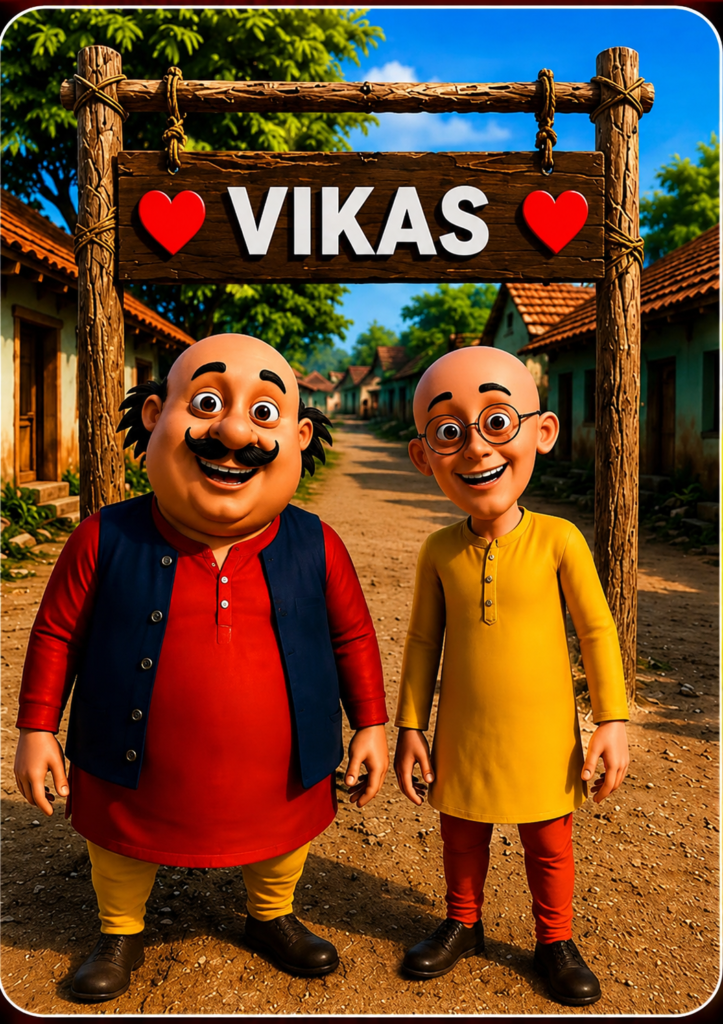
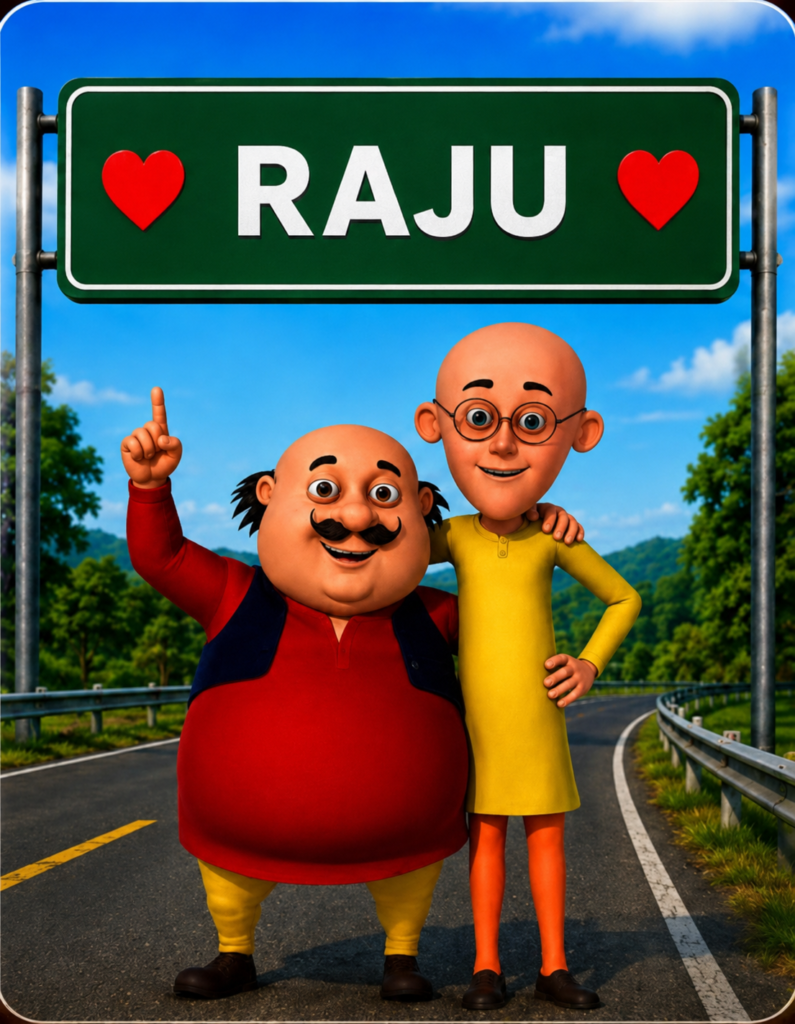
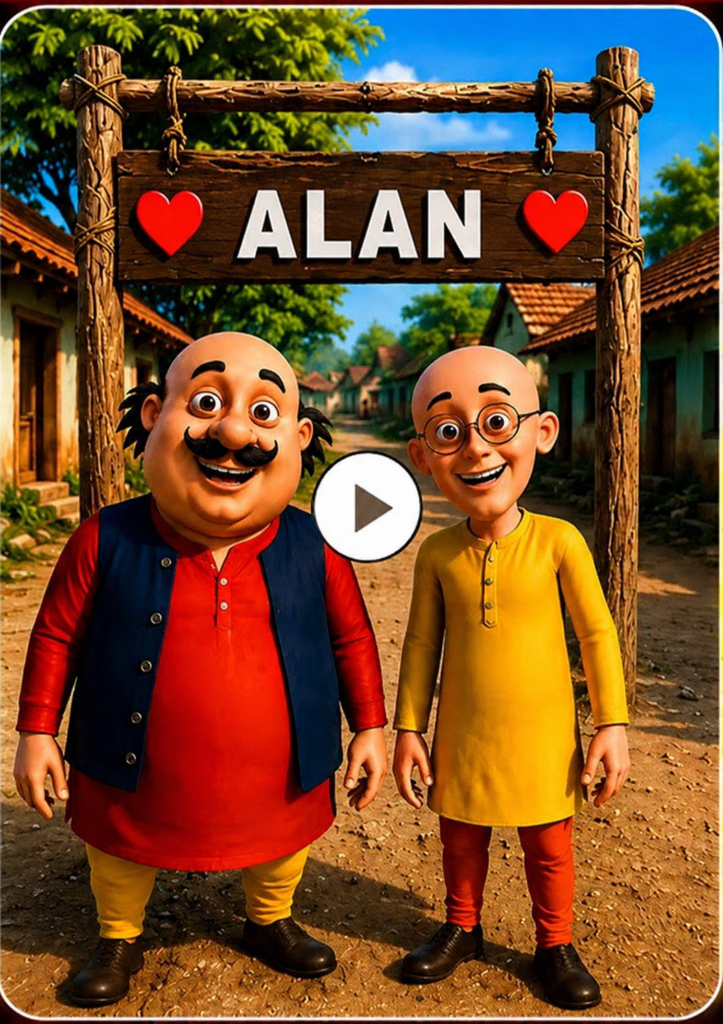
Proment:-
In the picture I have given you, write (Alan) instead of the name written on the board at the back. Apart from that, do not make any changes to this image, do not add anything to it, and do not remove anything from it. This image should be in 4K. Also remove the video playing icon that is showing in the middle of this image.How To Create Motu Patlu AI Name Image To Video
Jesa pichlay article mein hum ne Google Flow AI ka use kiya tha videos banane ke liye to us ne hame bohat achi quality mein aur ek achay voice over ke sath video bana kar di. Lekin aj hum Google Flow AI ka app use karein ge.
Main ne is ke ilawa aur bhi website try ki hain video to woh bana deti hain lekin voice over un ka acha nahi hota aur na hi un ki lipsing match hoti hai aur voice over bhi robotic tone ki tarah lagta hai.
Lekin Google Flow AI is lihaz se 100% accurate video banata hai kyun ke main ne is se kafi video banai hai to video banane ke liye ap ko Google Play Store se app ko download kar lena hai yahan main neeche app ka link bhi de dunga.
Is app ko open karna hai ab Gmail ke zariye app mein sign in kar lena hai. Sign in ke baad New Project walay par click karna hai aur neeche Prompt paste karni hai jo yahan par ap ko mil jaye gi. Is Prompts mein ap jo bhi is Prompts mein ap jo bhi Motu Patlu se bulwana chahte hain ab woh khud se bhi add kar sakte hain.
Plus walay icon par click karna hai jo ap ne ChatGPT se image create karwai thi ab yahan par upload kar dein.
Side par ap ne image ki jagah video select karna hai aur doosray number par frame select karna hai. Video 8 second ki banani hai aur 1x par click karna hai. Ap ise send kar dena hai.
Ab woh kuch hi second mein ap ki video bana de ga. Is ke baad ap nai video play kar ke dekh leni hai. Agar koi masla ho to ap ise dobara keh sakte hain nahi to download kar leni hai. Wesay yeh video bilkul sahi banata hai.
Video Proment:-
Make me a 10-second video exactly according to the image I have uploaded, in which this video should be a block type and everything should be natural in it, like the camera’s mouth, someone is recording this video inside the camera, the weather should be normal in the background, the light sound of birds should be very lip-syncing, it should match the lips perfectly, apart from that, there should be a hacker in the hands and Moto smiles and says “दोस्तों, आज मैं एलन से मिलने उसके गांव आया हूं।” Now Patlu speaks. “अगर आप भी उससे मिलना चाहते हैं, तो वीडियो के नीचे कमेंट करें। वीडियो को लाइक भी करें।” that the video should be completely 3D, smooth animation, cinematic light and nine by city show.
Conclusion
To doston aj ka yeh tha article ke hum AI ke zariye Motu Patlu ki apne naam wali video kese bana sakte hain. Is se pehlay walay article mein main ne apne gaon ya apne shehar ka naam kese bulwaya jata hai is type ka video bhi bana kar dikhaya tha. Ap pichlay article ko bhi parh sakte hain. Agar ap ko video banane mein koi bhi masla pesh aye to ap mujhe neeche comment kar sakte hain. Main jawab dene ki poori koshish karunga.
Alan Edit video editing aur mobile editing tutorials par focus karta hai. CapCut, VN, AI video image aur baaki editing apps ke templates, presets, aur step-by-step guides yahan share kiye jate hain. Maqsad hai editing ko easy aur beginner-friendly banana.